Terrain painting and building improvements
Fri Apr 17 2026
Recent Updates
Terrain painting
The terrain shader has been extended with a new painting system that allows for combining automated terrain painting rules with a manual, brush-based system. Additionally, the terrain rules were updated, making for much more natural blending of dirt, grass, and stone around slopes.
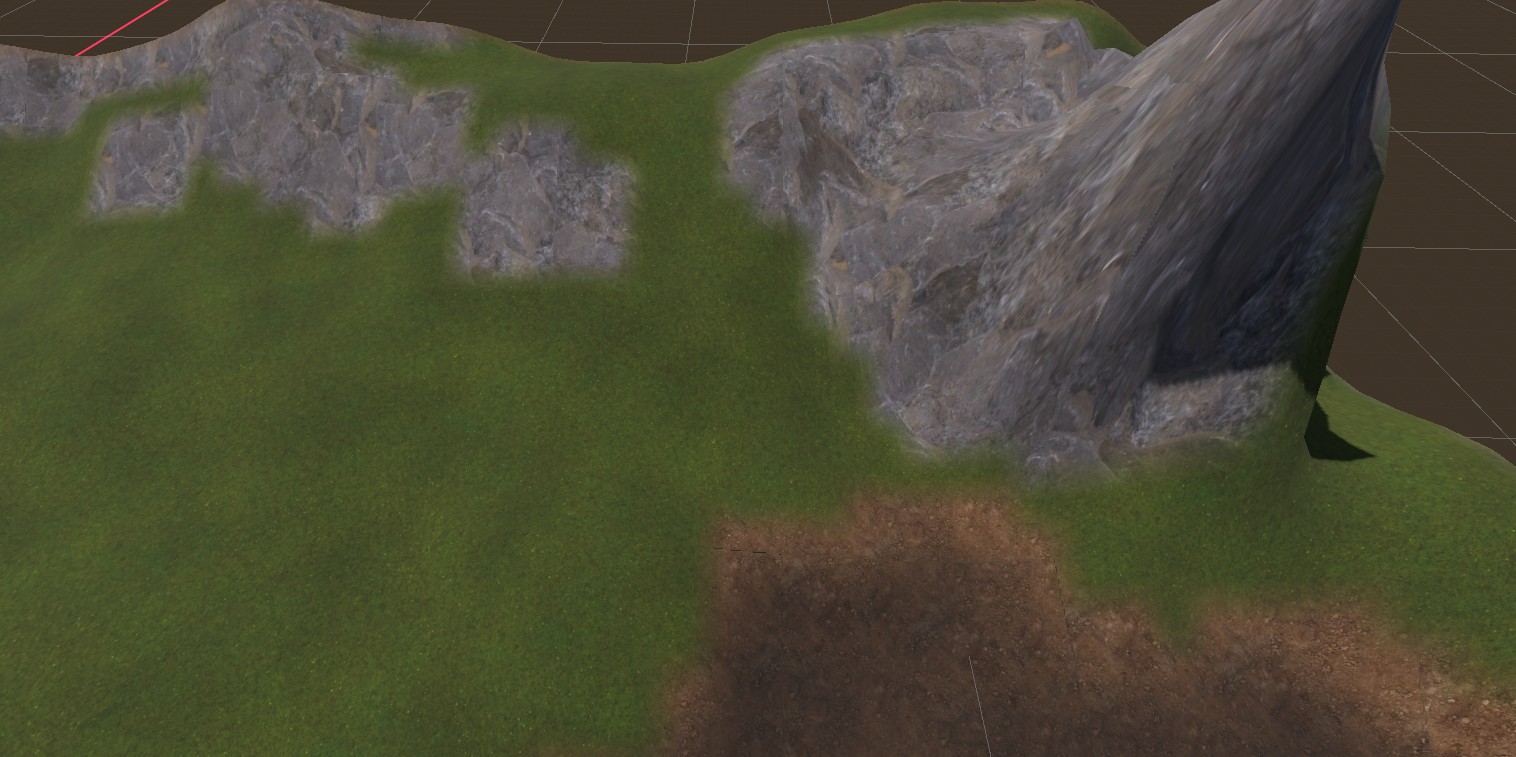
Improved blending between terrain types
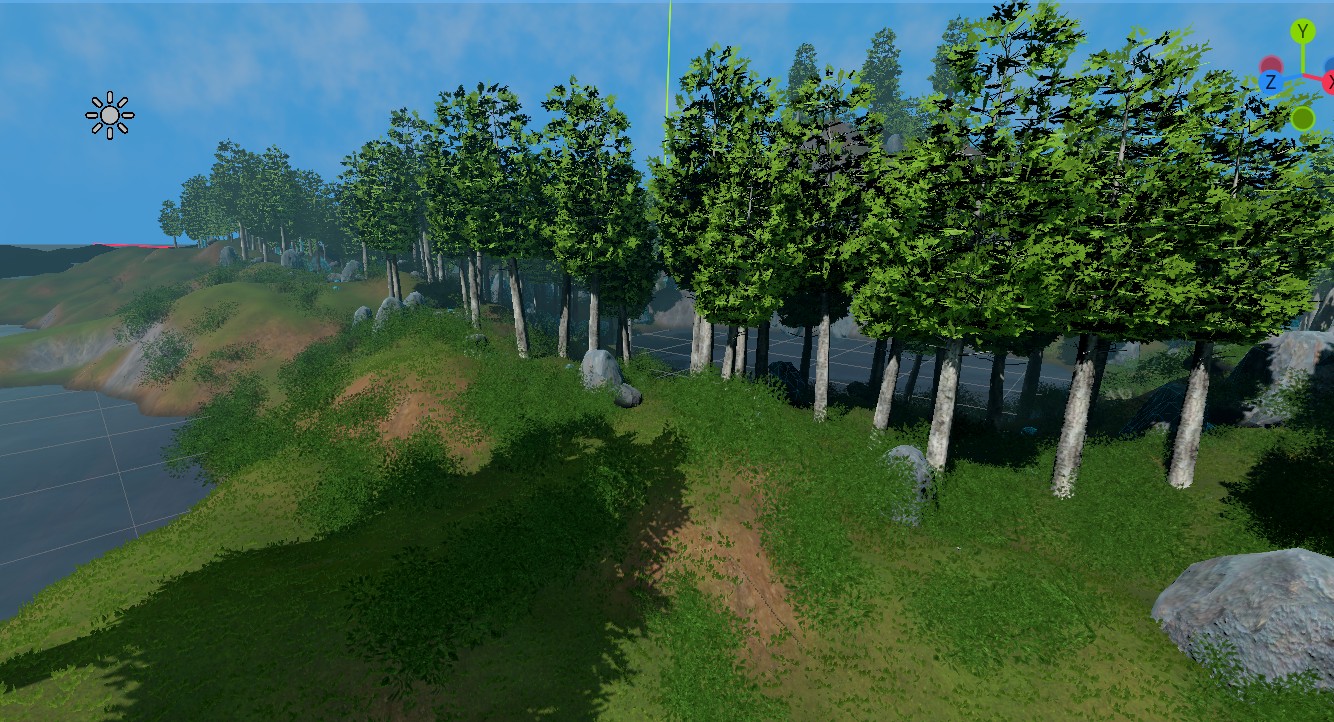
More natural slope transitions
Support of overhangs and edge pieces when building
I added a system for detecting adjacent building parts, allowing optional pieces to be turned on and off based on what’s around a part. This allows for things like roof overhangs, end-caps, and edge beams, making buildings look more satisfying.
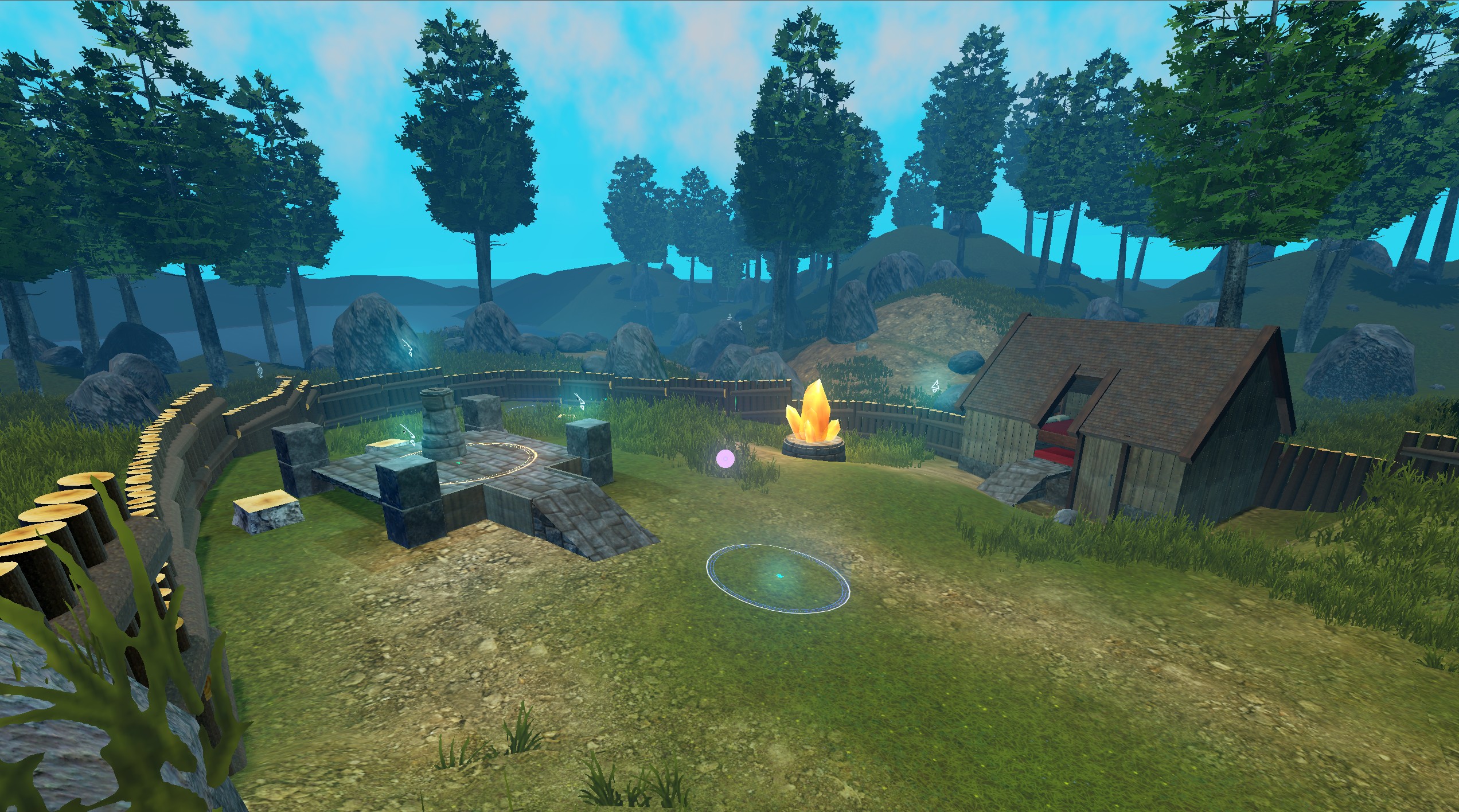
Context-aware building pieces (overhangs, caps, edges)
Better water
I replaced the water shader with an improved version. After experimenting with screen-space reflections I ended up using a simpler version that uses a noise texture to offset the normals, but otherwise kept it fairly simple.
Darkening terrain near/below the water level and forcing dirt underneath helps the water read more clearly.
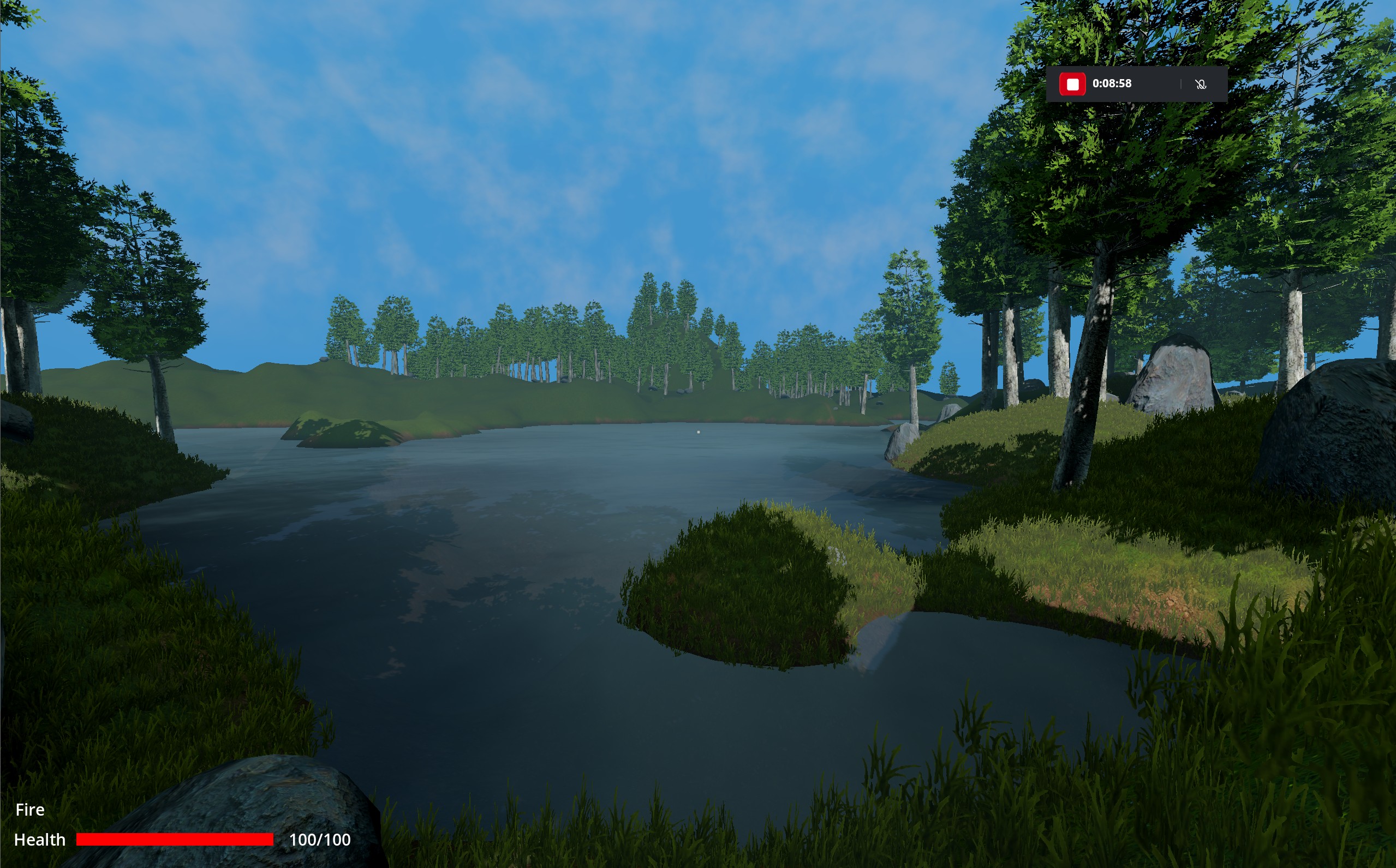
Subtle normals + shoreline blending improve readability
Other improvements
- Recipes added to more blueprints
- Crystal item and resource node for Source Stones
- Terrain LOD chunk support
- Improved lighting and sky
- Expanded health bar system support
- Initial alchemy system and herbs
- Terrain deformation (flattening) when placing blueprints
- Dirt painting interaction when placing blueprints
- Improved Circle placement (less terrain clipping)